For CPA firm owners and partners
Your planners plan. The system does the rest.
PraxDex is the operating system for a planning-focused CPA firm: one client file that runs from the first booking to year-round care. Agents do the heavy lifting. Your people approve everything. Built and run inside a real CPA firm first.
- One client fileEvery step writes into it, so nobody asks a client the same question twice.
- People approve everythingThe system drafts, reminds and prepares. A person confirms every action.
- Yours to ownYour deployment, your hardware, your client data. We build it and keep the engine current.
The problem
Good planners are spending their days on everything except planning.
-
Your staff are buried in documents
Chasing uploads, retyping what the client already told someone, rebuilding the same deck for every call. The work that needs judgment waits behind the work that doesn't.
-
Your CRM was built for a different firm
Practice software assumes the job is returns and deadlines. A planning firm bends around it: goals in one place, numbers in a spreadsheet, the plan in someone's head.
-
Planning only happens in April
Too many clients hear from their CPA once a year, when it is too late to change the outcome. Year-round planning is the service they would pay for, and the one nobody has time to run.
The client journey
Six steps, one client file.
From the moment a call is booked to year-round care, each step reads what the last one saved. Here is one sample family moving through it.
1. Booked
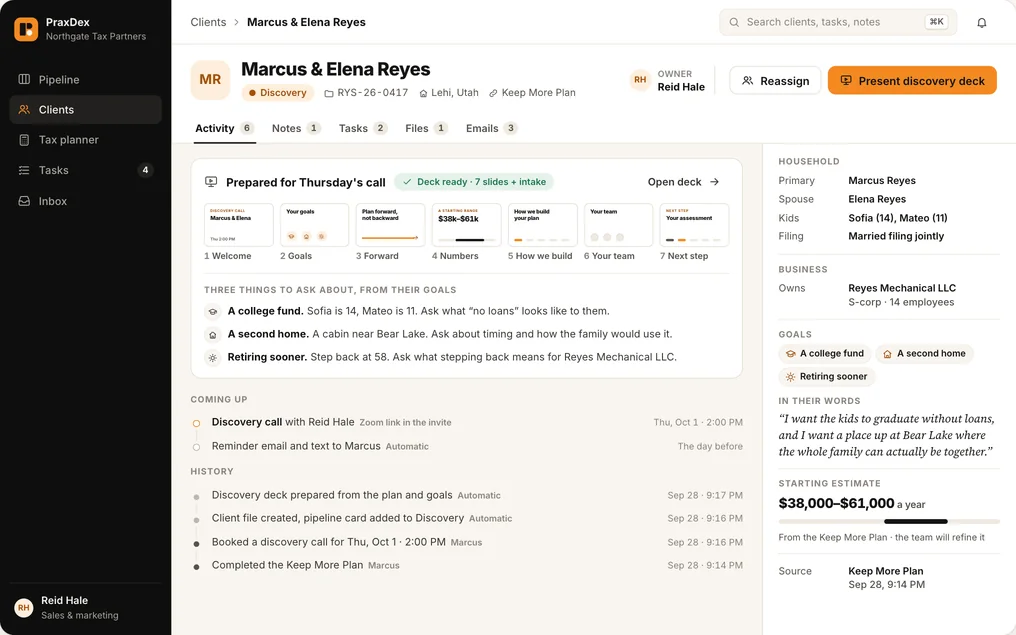
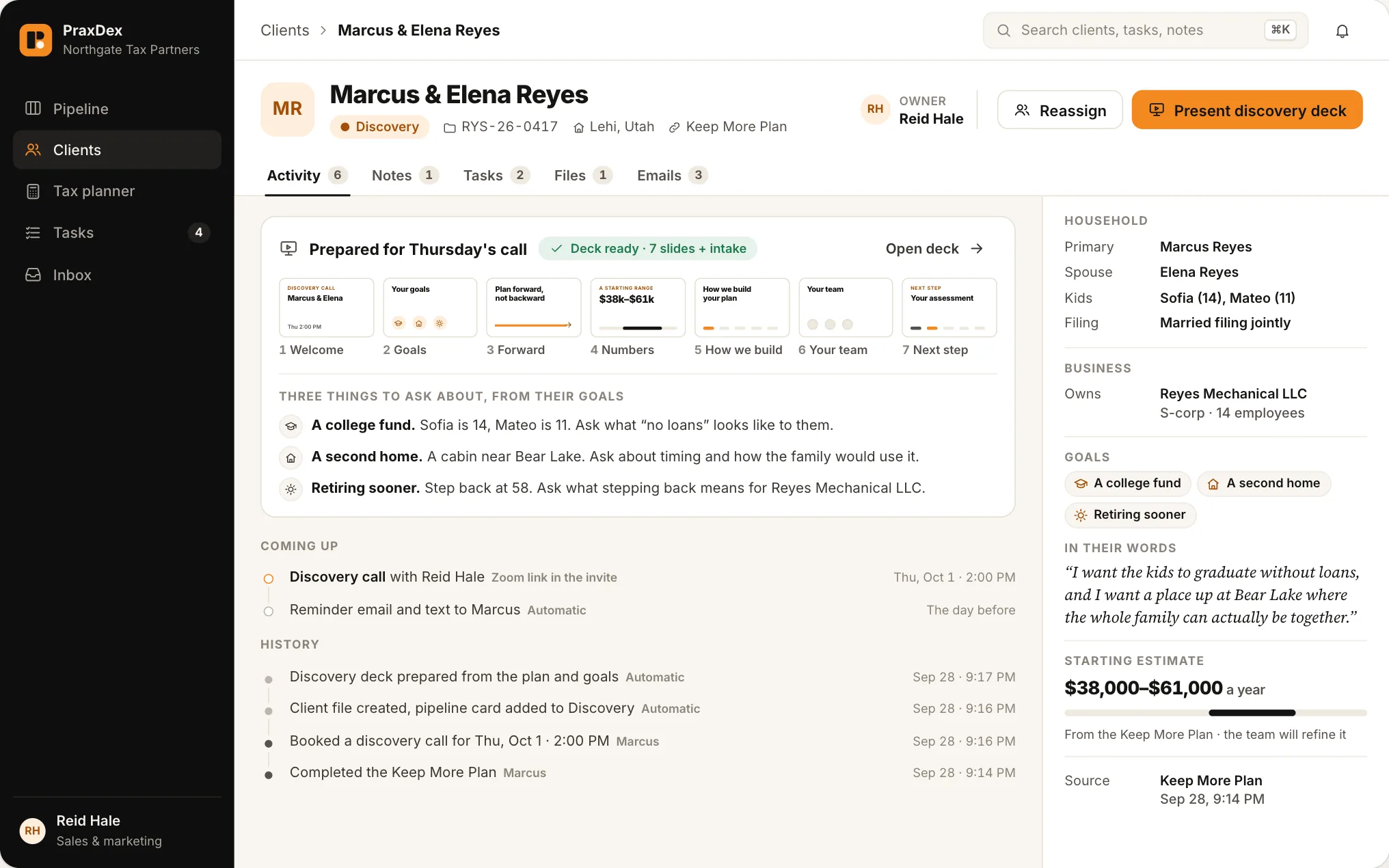
The moment a call is booked, the client file, the pipeline card and the discovery deck are created. Whoever takes the call opens one page and finds the family's goals, their own words and three things to ask about.
2. Discovery
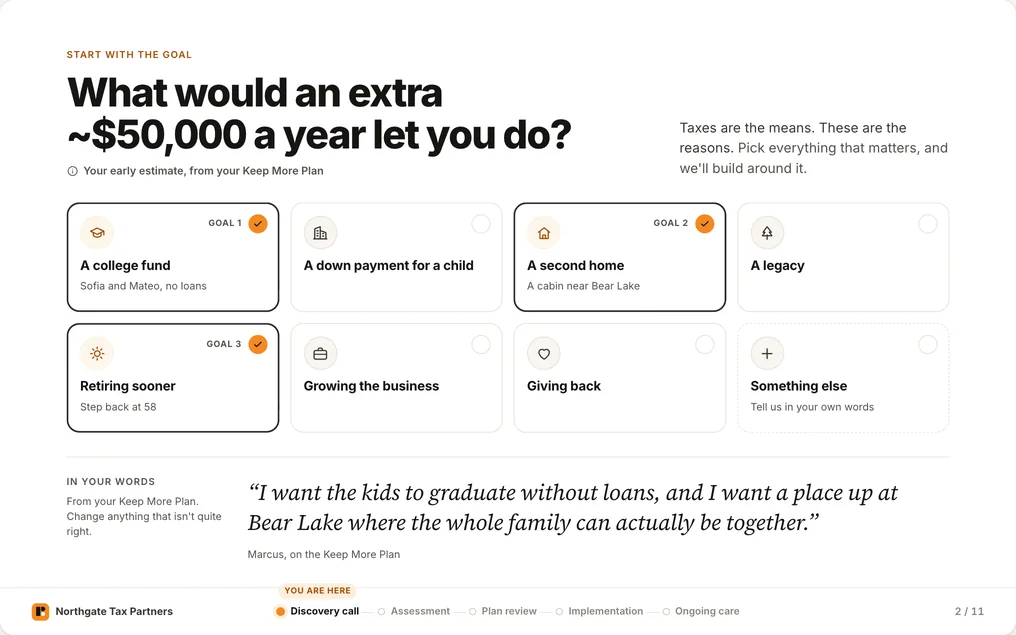
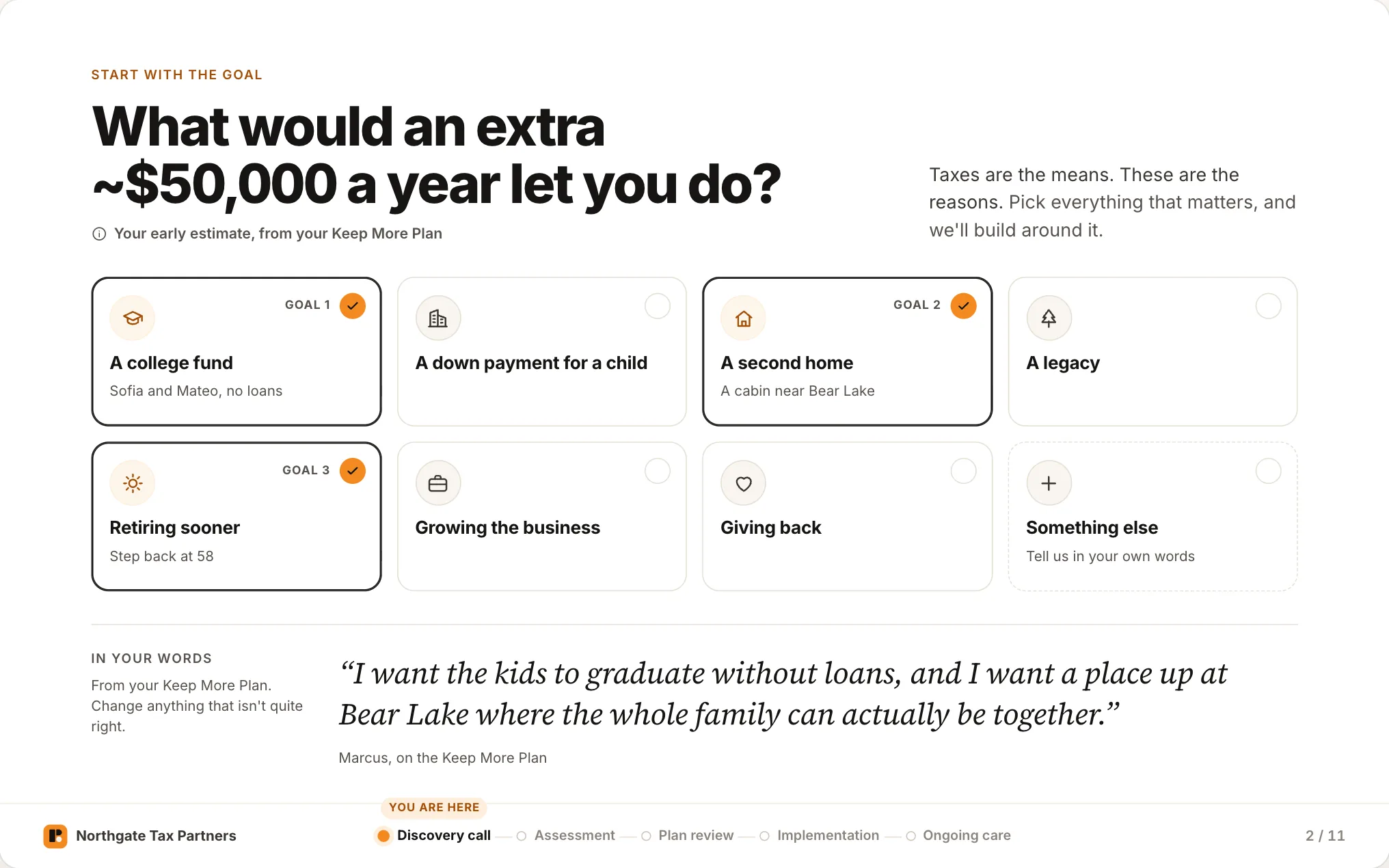
The call opens on the client's goals, then a starting savings range, shown as an estimate and never a promise. Anyone on your team can present, because the deck travels with the file.
3. Assessment
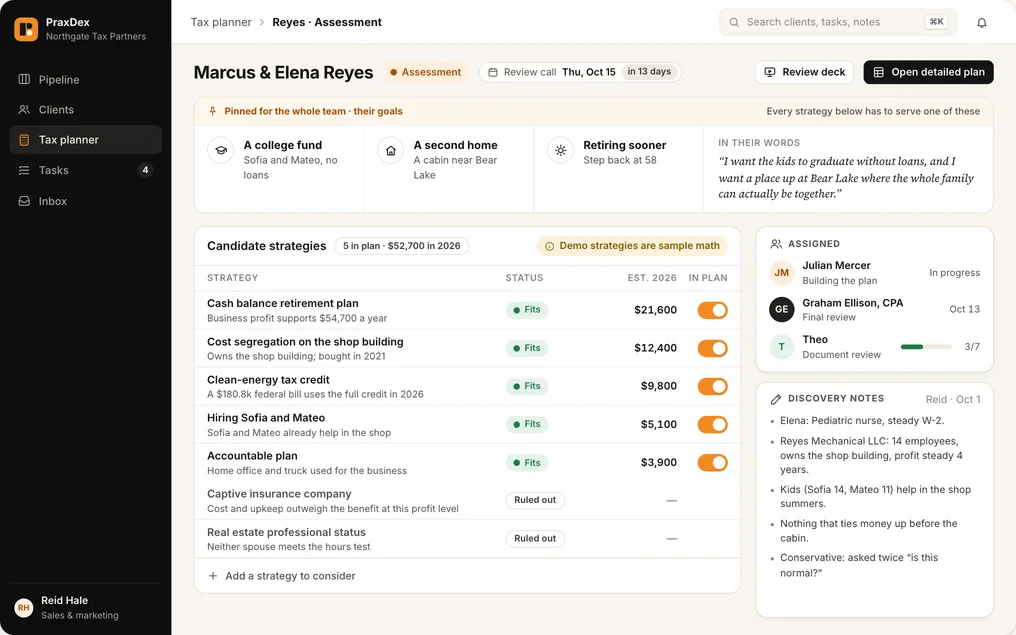
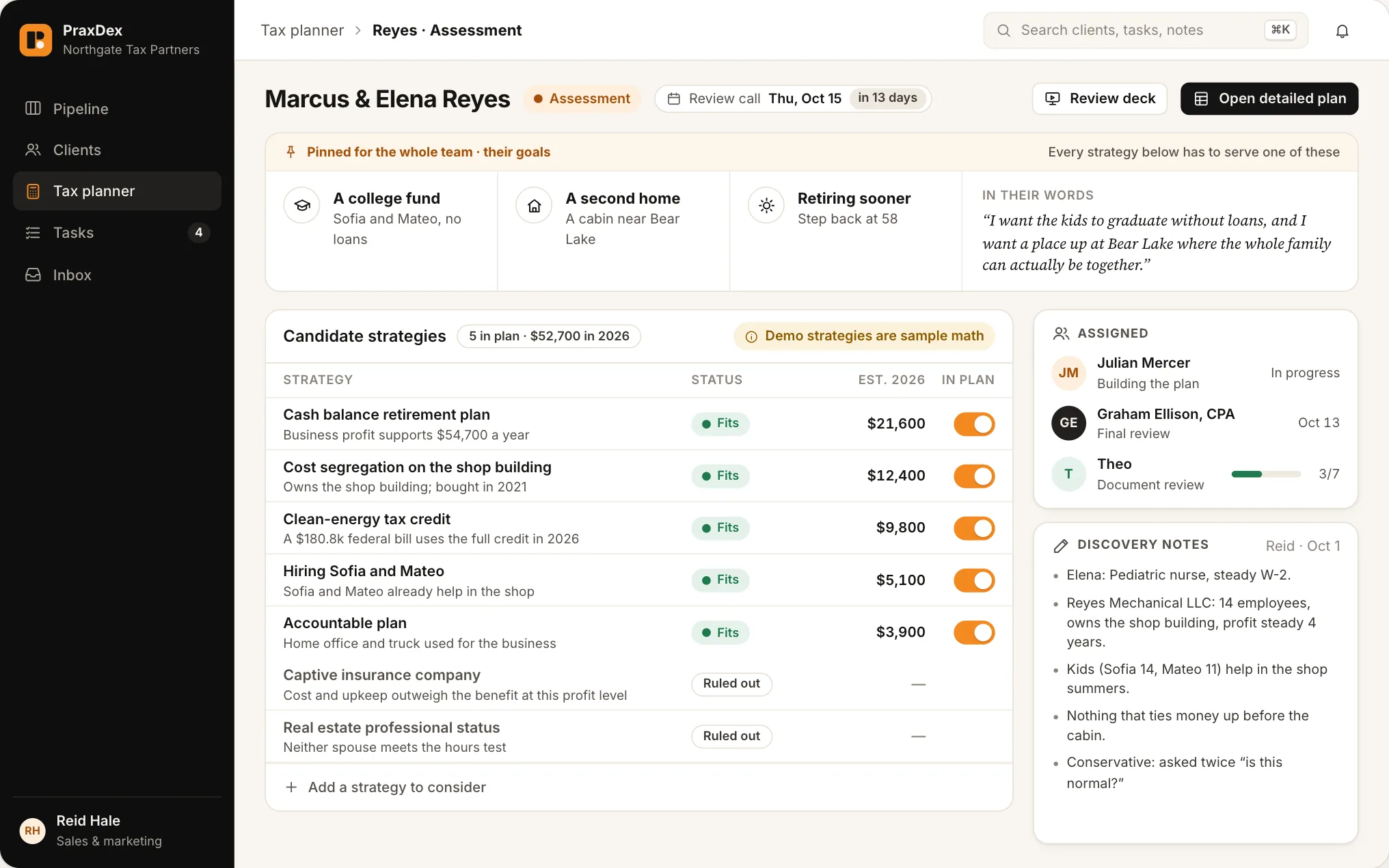
A paid assessment, credited toward implementation. Your planner's own workbook runs the numbers, with the family's goals pinned above every strategy. Anything ruled out keeps its reason.
4. Review
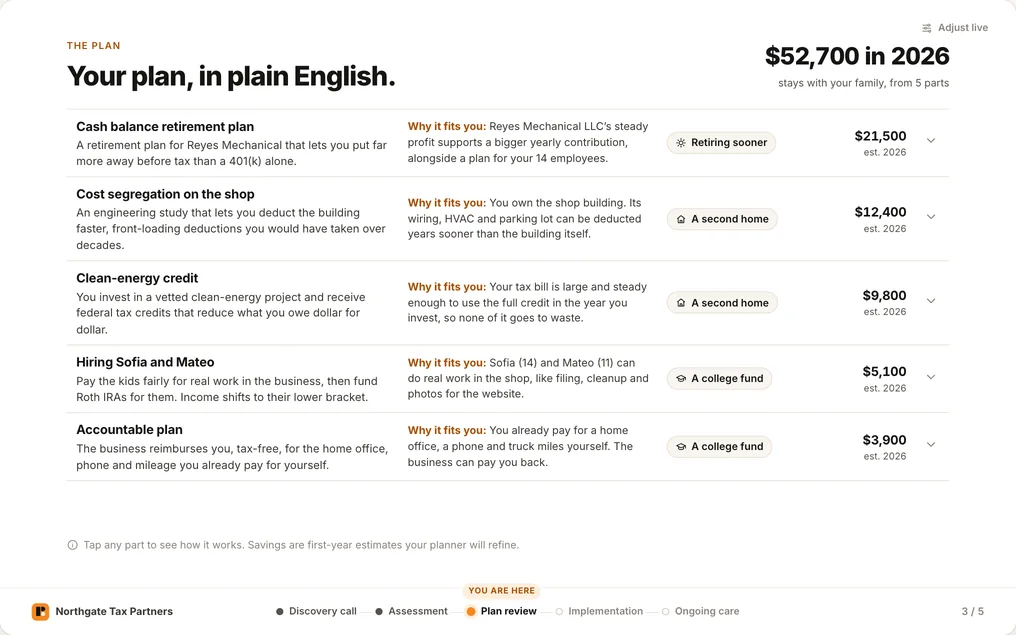
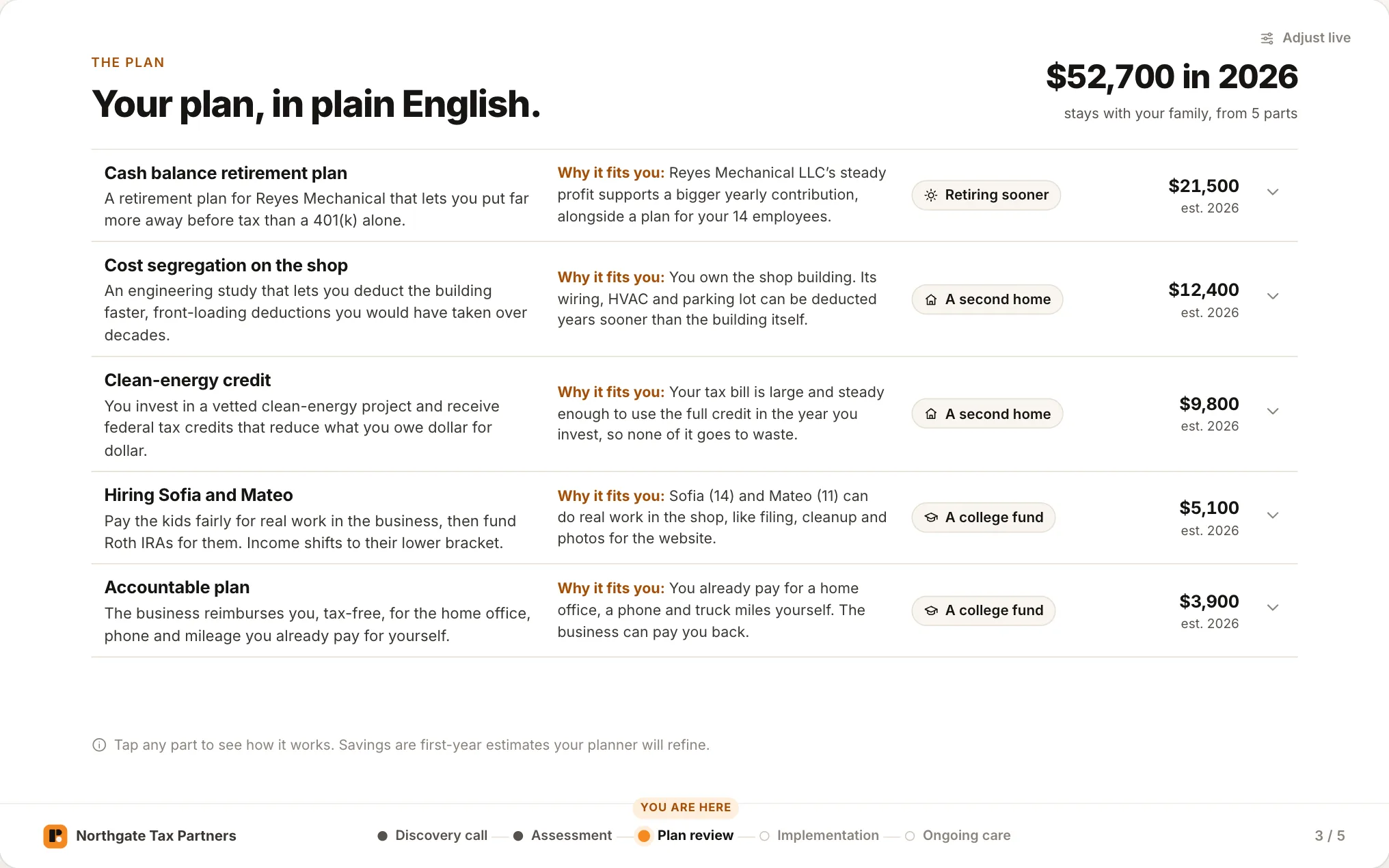
The client sees their plan in plain English, and why each strategy fits a goal they named. The planner can adjust it live on the call, and every figure is recalculated by the planning engine.
5. Implementation
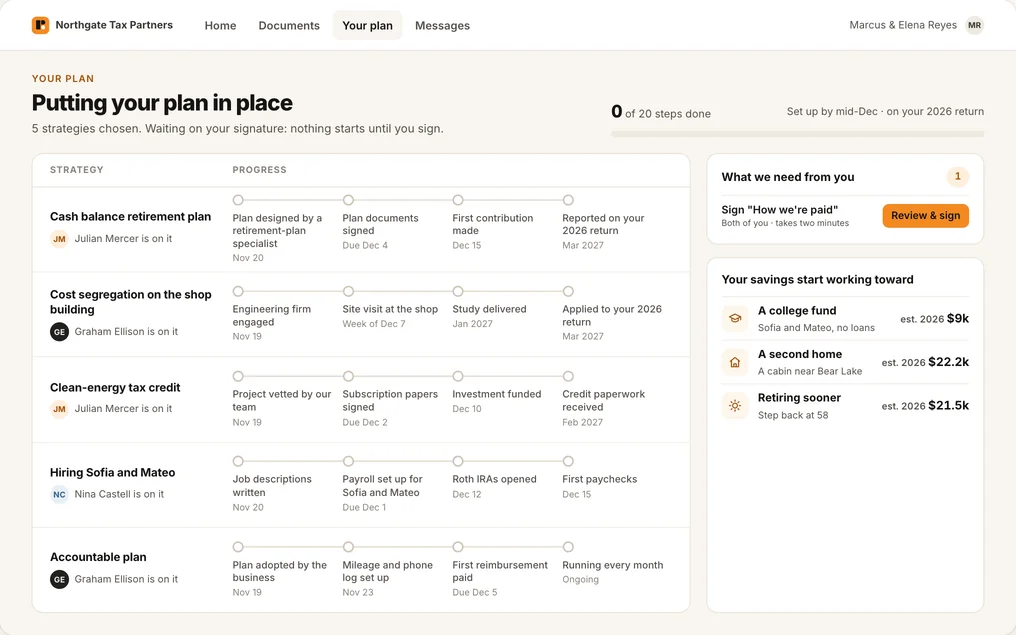
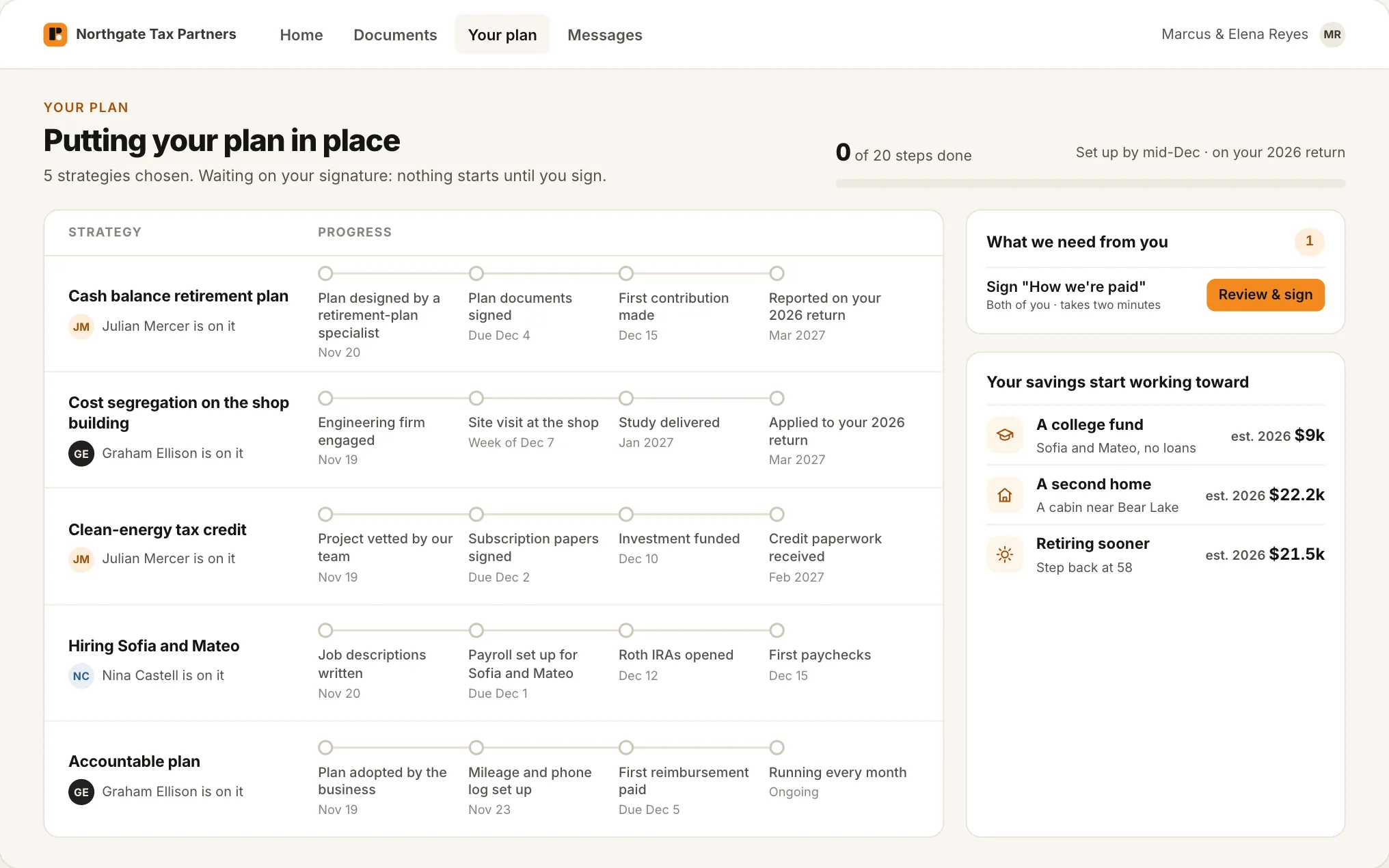
Strategies are put in place. Fees and referral credits are shown up front with one plain, signed disclosure, and the client watches each strategy move through its steps, with the name of the person who owns it.
6. Ongoing care
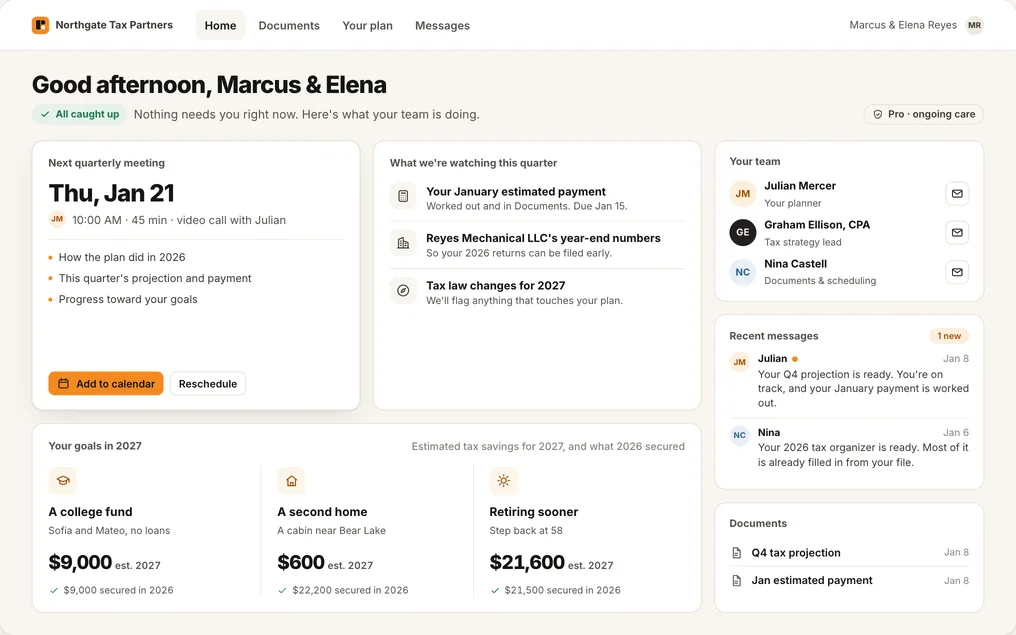
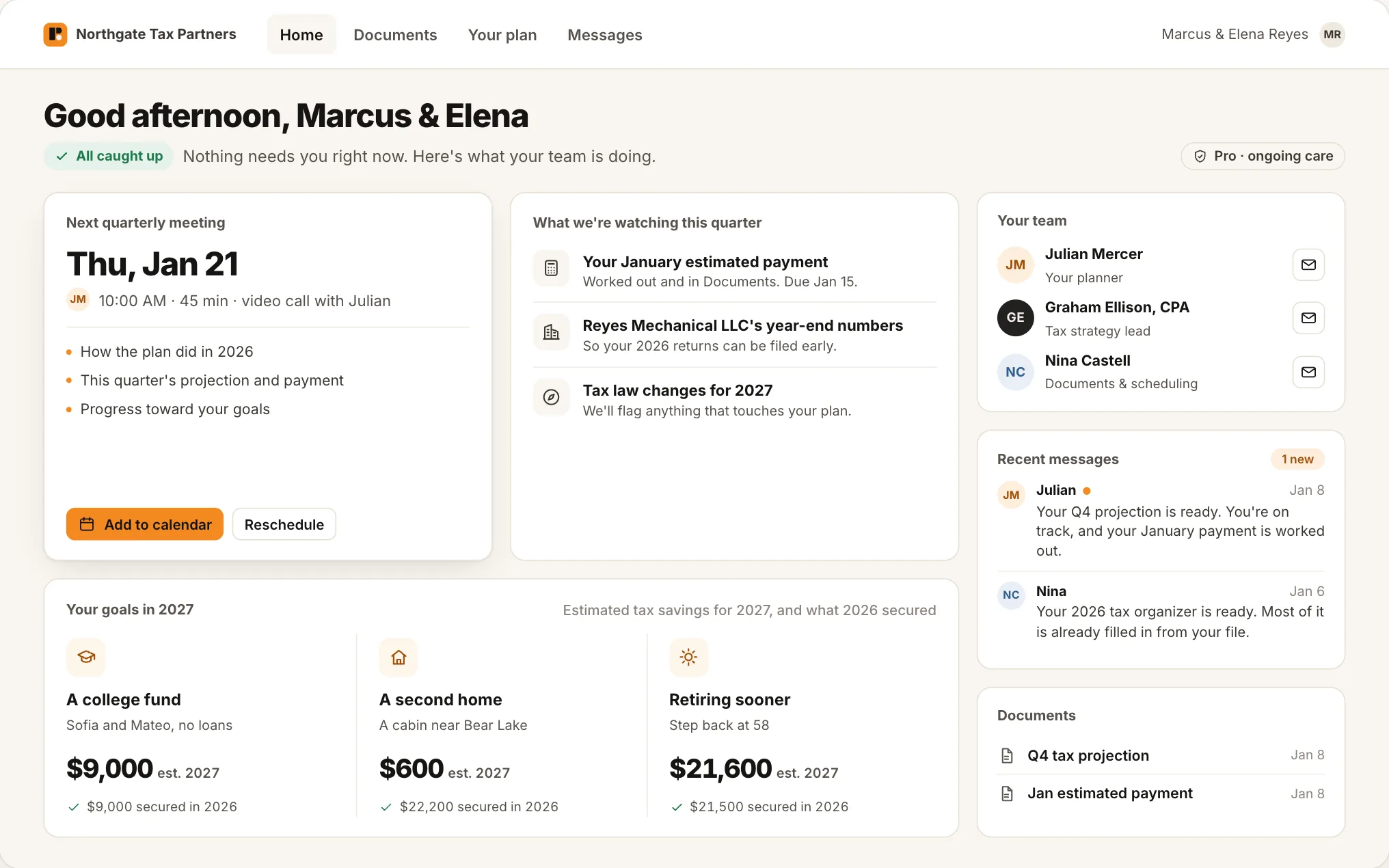
Care packages are priced from what the file already knows, and the engagement letter and billing are built from the file. Months later the client logs in and sees their team, their next meeting and progress toward their goals.
Your data stays yours
You decide where client data goes.
The client files live in a vault: a dedicated machine in your office, and the only thing that opens them. You choose how much, if anything, reaches a cloud model. We show both options openly, because the choice is yours.
 Where client data goes
The interactive diagram of the hybrid and fully local setups appears here. It is not available in this preview.
Where client data goes
The interactive diagram of the hybrid and fully local setups appears here. It is not available in this preview.
How a request moves in the hybrid setup
- A staff member asks for help with an email reply or a plan draft.
- If client documents are needed, a gatekeeper checks that this person is assigned to that client, and logs the request.
- The local model in your office reads the documents. They stay there.
- Fixed rules strip names, Social Security numbers, addresses and account numbers. A second check reviews the redaction.
- Only a short, name-stripped summary goes to Claude, the cloud model, which drafts reasoning and wording. It never states dollar amounts.
- Your planner's calculators produce every figure, inside the firm.
- A person approves before anything is sent. The activity log records what was read and exactly what text went out.
| Hybrid The default | Fully local An option | |
|---|---|---|
| Client documents leave the office | Never | Never |
| Redacted summaries go to Claude | Yes, for heavy reasoning | No |
| Capability | Highest | Lower today Improves as local models improve |
| Best for | Most firms | Firms with unusually sensitive clients |
In plain terms: in the hybrid setup, client documents never leave the office; redacted summaries may. If that is more than you want, choose fully local and nothing goes to a cloud model.
Your methodology, ported
The engine thinks the way your best planner does.
We started with our own. Our lead planner's judgment lived in a high-net-worth planning workbook. We rebuilt it cell for cell as a planning engine, ran more than 400 test cases through both, and did not stop until every one matched. Our lead planner has reviewed the result.
Then we do the same with yours. A full build ports your firm's own methodology, so the plans PraxDex prepares are the plans your planners would have built, with their names on them.
- Every figure a client sees comes from the engine's calculators and can be traced to its inputs.
- After a plan or a call, the system asks the planner two or three short questions about why they chose one thing over another.
- A critic checks those answers against the standard, so only new or conflicting cases reach a senior planner, who decides what changes the engine.
People stay in charge
Four rules the system keeps.
We are open with you about the AI. Your clients never have to think about it.
Clients never see “AI”.
They meet your people and “your plan”. Nothing a client reads or opens mentions the machinery.
A person confirms every action.
The assistant drafts, reminds and suggests. Someone on your team approves anything a client sees.
Every dollar figure comes from the planner's calculators.
Never from the AI. A number a model asserted is a number nobody can audit.
Client identities are removed before anything reaches the cloud model.
Names and identifiers are stripped by fixed rules and checked a second time. In the fully local setup, nothing goes at all.
PraxDex is a system for your professionals to work in. It does not give tax advice and it does not promise a result; your planners do the planning and stand behind it.
How it works
An implementation, not a subscription to someone else's software.
We are an implementation firm. We do not host your clients' data and we do not rent you a login.
-
We build it
We adapt the client journey, the decks and the workspace to your packages and your brand, and train your team. A full build also ports your methodology. Setup happens in one scheduled session with one person you trust, from a checklist sent ahead.
-
You own it
It is your deployment: your hardware, your accounts, your client files. Our access during setup is limited to what the work needs and is removed when we finish. You get a written handoff: what was built, where it runs, who owns what.
-
The engine keeps updating
Tax-law changes, newly vetted strategies and engine improvements arrive as signed updates under an annual license. Your data stays home; the updates come to it. If you ever stop the license, you keep what you have.
Book a call
See whether it fits your firm.
We are taking on a small number of firms. Tell us a little about yours and we will be in touch to arrange a call.
- A short applicationFive questions, about a minute.
- We arrange a callWe reply by email to set a time.
Thank you. We have your application.
We will email you to arrange a call.
Open the calendar